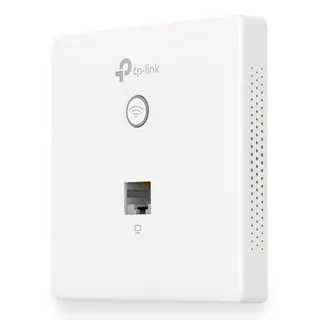
 TP-Link Omada 300Mbps Wireless N Wall-Plate Access Point153,90 lei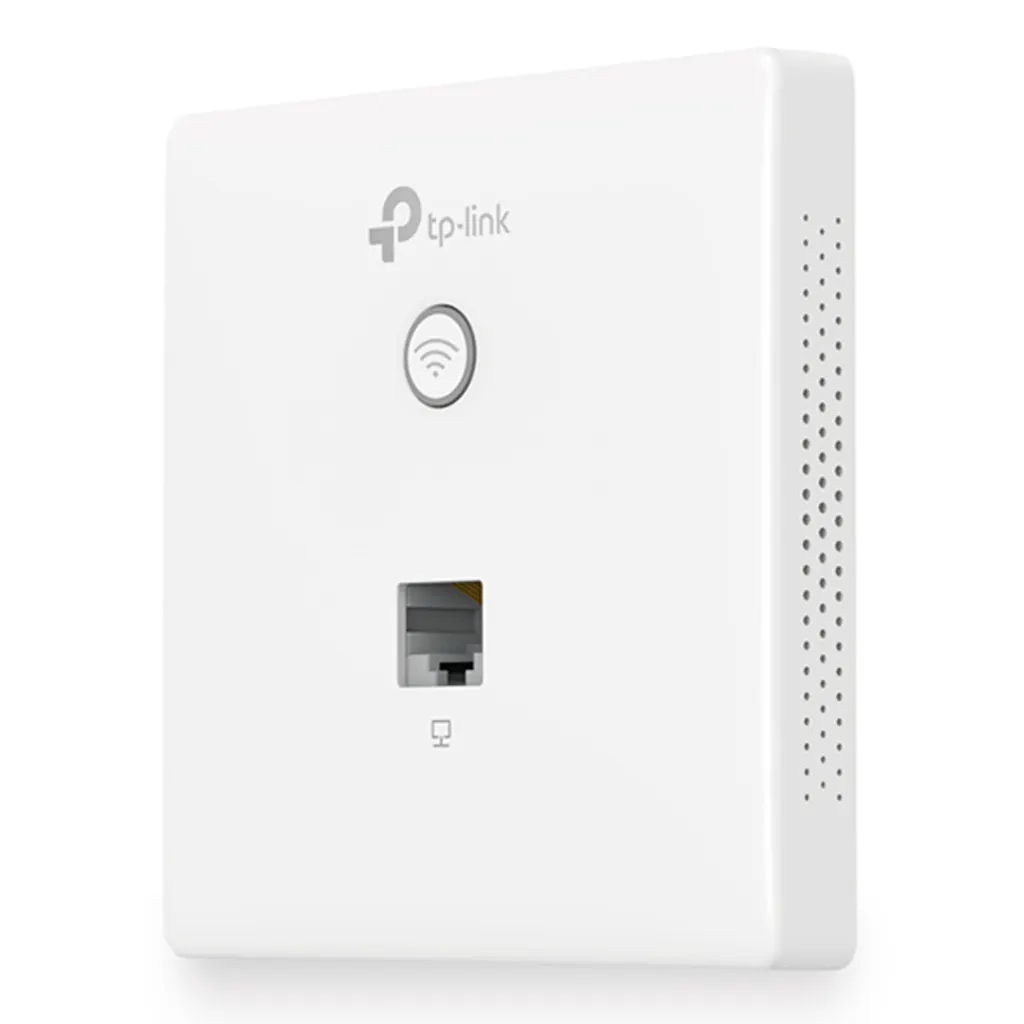
Plasează cursorul pentru zoom
Rețelistică
TP-Link Omada 300Mbps Wireless N Wall-Plate Access Point
- Product colour
- White
Cumpărate frecvent împreună
TP-Link Omada 300Mbps Wireless N Wall-Plate Access Point153,90 lei DYMO LetraTag Paper Labels | Authentic | 12 mm x 4 m Roll | Black Print on White | Self-Adhesive Multipurpose Labels for LetraTag Label Makers | Made in Europe28,90 lei
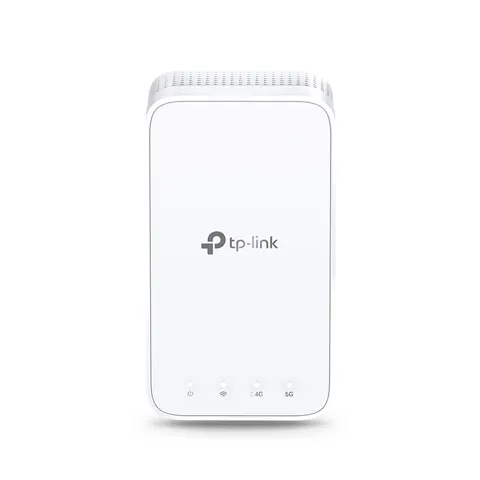
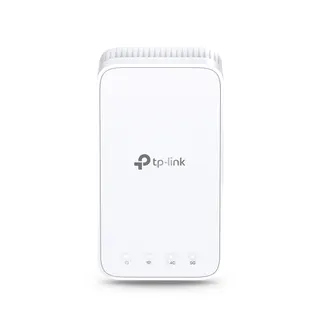 TP-Link AC1200 Mesh Wi-Fi Extender154,90 lei
Total pentru 2 produse selectate182,80 lei
Compară cu produse similare
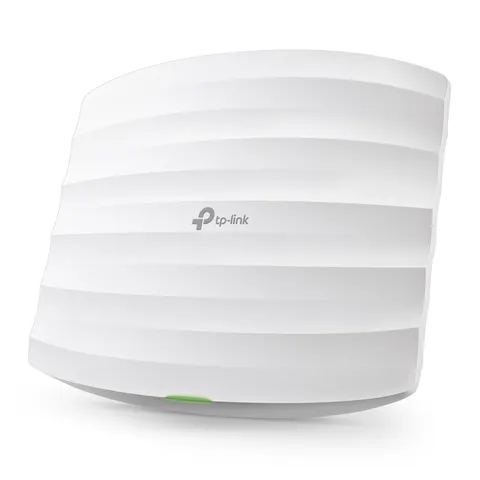
| Produsul curentTP-Link Omada 300Mbps Wireless N Wall-Plate Access Point153,90 leiÎn stoc | 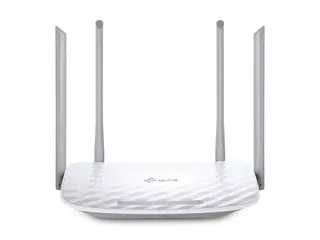 TP-Link AC1200 Wireless Dual Band WiFi Router153,90 leiÎn stocVezi produsul TP-Link AC1200 Wireless Dual Band WiFi Router153,90 leiÎn stocVezi produsul | TP-Link AC1200 Mesh Wi-Fi Extender154,90 leiÎn stocVezi produsul | 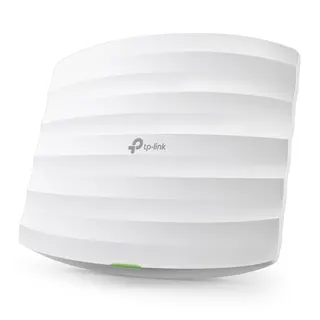 TP-Link Omada 300Mbps Wireless N Ceiling Mount Access Point154,90 leiÎn stocVezi produsul TP-Link Omada 300Mbps Wireless N Ceiling Mount Access Point154,90 leiÎn stocVezi produsul | |
|---|---|---|---|---|
| Product colour | White | White | White | White |
| 5 GHz | No | — | — | No |
| 6 GHz | No | — | — | No |
| Depth | 86.8 mm | 144 mm | 35 mm | 180 mm |
| Width | 86.8 mm | 230 mm | 69.5 mm | 180 mm |
| Height | 30.2 mm | 35 mm | 124.1 mm | 47.5 mm |
| Syslog | Yes | — | — | Yes |
| 2.4 GHz | Yes | — | — | Yes |
Product colour
White
| 5 GHz | No |
|---|---|
| 6 GHz | No |
| Depth | 86.8 mm |
| Width | 86.8 mm |
| Height | 30.2 mm |
| Syslog | Yes |
| 2.4 GHz | Yes |
| Internal | No |
| Placement | Wall |
| Antenna type | Internal |
| Mounting kit | Yes |
| Reset button | Yes |
| VLAN support | Yes |
| Package depth | 130 mm |
| Package width | 118 mm |
| Rate limiting | Yes |
| Frequency band | 2.4 - 2.4835 GHz |
| LED indicators | Yes |
| Package height | 47 mm |
| Package weight | 190 g |
| Product colour | White |
| WAN connection | Ethernet (RJ-45) |
| Cable lock slot | No |
| Antenna features | Integrated antenna |
| Antennas quantity | 2 |
| Quantity per pack | 1 pc(s) |
| Quick start guide | Yes |
| Cabling technology | 10/100Base-T(X) |
| Transmitting power | 15 dBmW |
| Wireless isolation | Yes |
| Security algorithms | 802.1x RADIUS, HTTPS, WPA, WPA-PSK, WPA2, WPA2-PSK |
| Management protocols | SNMP, Telnet |
| Networking standards | IEEE 802.11b, IEEE 802.11g, IEEE 802.11n |
| Virtual LAN features | Port-based VLAN, VLAN mapping |
| Web-based management | Yes |
| MAC address filtering | Yes |
| Antenna direction type | Omni-directional |
| Compliance certificates | CE, RoHS |
| Ethernet LAN data rates | 10,100 Mbit/s |
| Transmitting power (CE) | 20 dBm |
| Antenna gain level (max) | 1.8 dBi |
| Number of SSID supported | 8 |
| Access Control List (ACL) | Yes |
| Power over Ethernet (PoE) | Yes |
| Storage temperature (T-T) | -40 - 70 °C |
| Sustainability compliance | Yes |
| Ethernet LAN (RJ-45) ports | 2 |
| Maximum data transfer rate | 300 Mbit/s |
| Automatic channel selection | Yes |
| Harmonized System (HS) code | 85176990 |
| Operating temperature (T-T) | 0 - 40 °C |
| Power consumption (typical) | 2.8 W |
| Compatible operating systems | Windows XP, Windows Vista, Windows 7, Windows 8, Windows 10 |
| Wi-Fi Multimedia (WMM)/(WME) | Yes |
| Storage relative humidity (H-H) | 5 - 90% |
| Quality of Service (QoS) support | Yes |
| Operating relative humidity (H-H) | 10 - 90% |
| Maximum data transfer rate (2.4 GHz) | 300 Mbit/s |
| Service Set Identifier (SSID) features | Multiple SSIDs |
| Power over Ethernet (PoE) type supported | Passive PoE |
Installation Made Easy - Detach the faceplate of the junction box* with a screwdriver. - Remove the faceplate of the EAP. - Connect an in-wall Ethernet cable to the Uplink+POE port. - Secure the access point to the wall using the nails provided. - Press the faceplate back into position.
Perfectly Formed The EAP115-Wall would blend seamlessly into any business setting with a refined, minimalist appearance. A slimline design includes casing that’s just 11 mm in thickness.
Effortless Deployment With 802.3af Power over Ethernet supported there’s no need for additional wiring. Simply plug in existing Ethernet cables and you’re ready to go.
Complete Wireless Coverage An EAP in each room guarantees a strong wireless signal and allows guests to enjoy their own private Wi-Fi network.
Cloud Centralized Management - Anytime, Anywhere Omada Cloud Controller OC200 and Omada Software Controller make it easy to manage and monitor the whole Omada network in real-time, while cloud service enables remote and secure access no matter where you find yourself.
Easy Management with the Omada App Follow configuration instructions on the free Omada app to get set up in minutes. Omada lets you configure settings, monitor the network status and manage clients, all from the convenience of a smart phone or tablet.
Recenzii
Variante superioare
Accesorii și produse complementare
Produse similare
Vizualizate recent
Livrare rapidăÎn 2-4 zile lucrătoare
Retur simplu14 zile drept de retur
Plată la livrareRamburs sau transfer bancar
Factură pe firmăPlată prin transfer bancar
153,90 lei