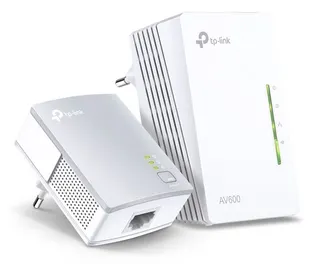
 TP-Link AV600 600 Mbit/s Ethernet LAN Wi-Fi White 1 pc(s)313,90 lei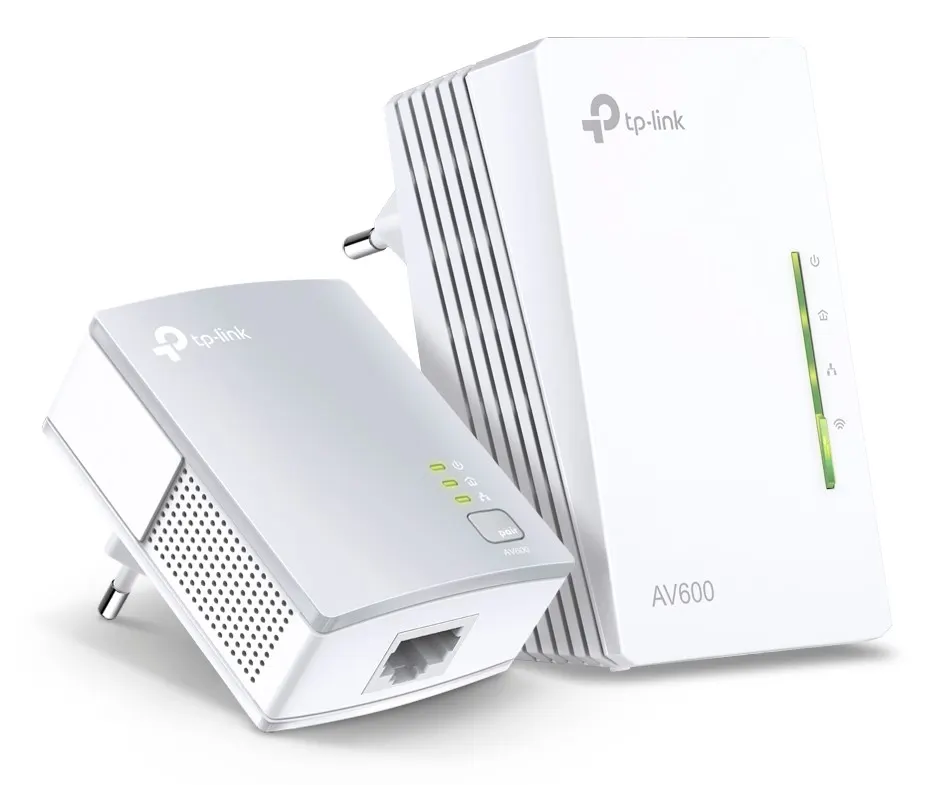
Plasează cursorul pentru zoom
Rețelistică
TP-Link AV600 600 Mbit/s Ethernet LAN Wi-Fi White 1 pc(s)
- Product colour
- White
Cumpărate frecvent împreună
TP-Link AV600 600 Mbit/s Ethernet LAN Wi-Fi White 1 pc(s)313,90 lei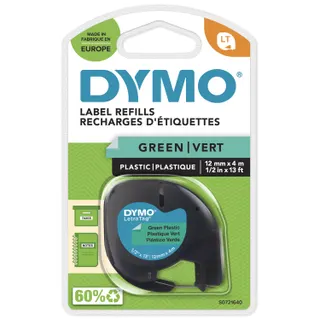 DYMO Branded LetraTag Plastic Labels | 12 mm x 4 m Roll | Black Print on Green Labels | MultipurposeSelf-Adhesive Labels for LetraTag Label Makers30,90 lei
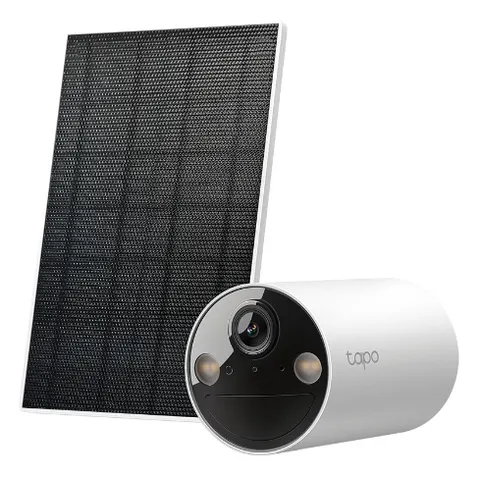
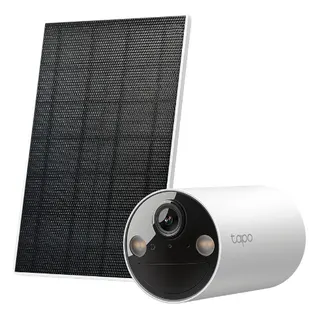 TP-Link Tapo Solar-Powered Security Camera Kit325,90 lei
Total pentru 2 produse selectate344,80 lei
Compară cu produse similare
| Produsul curentTP-Link AV600 600 Mbit/s Ethernet LAN Wi-Fi White 1 pc(s)313,90 leiÎn stoc | 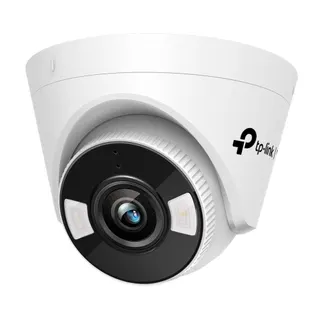 TP-Link VIGI 4MP Full-Color Wi-Fi Turret Network Camera307,90 leiÎn stocVezi produsul TP-Link VIGI 4MP Full-Color Wi-Fi Turret Network Camera307,90 leiÎn stocVezi produsul | TP-Link Tapo Solar-Powered Security Camera Kit325,90 leiÎn stocVezi produsul | 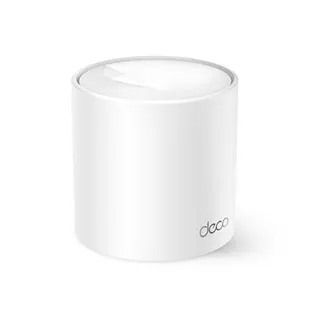 TP-Link AX1500 Whole Home Mesh Wi-Fi 6 System294,90 leiÎn stocVezi produsul TP-Link AX1500 Whole Home Mesh Wi-Fi 6 System294,90 leiÎn stocVezi produsul | |
|---|---|---|---|---|
| Product colour | White | White | White | White |
| Wi-Fi | Yes | Yes | Yes | — |
| Antenna type | Internal | — | — | Internal |
| Ethernet LAN | Yes | Yes | No | — |
| Package type | Box | — | Box | — |
| Certification | CE, FCC, RoHS | CE, RCM, BSMI, VCCI, RoHS, NTRA, KC | CE, FCC, DOE, CEC, RCM, KC, NCC, BSMI, NTRA | — |
| LED indicators | LAN, PLC, Power, WLAN | Yes | — | Yes |
| Cables included | LAN (RJ-45) | — | USB | — |
Product colour
White
| Wi-Fi | Yes |
|---|---|
| Modulation | OFDM |
| Power plug | Type E |
| Antenna type | Internal |
| Ethernet LAN | Yes |
| Package type | Box |
| Certification | CE, FCC, RoHS |
| Plug and Play | Yes |
| LED indicators | LAN, PLC, Power, WLAN |
| Product colour | White |
| Cables included | LAN (RJ-45) |
| Frequency range | 2400 - 2483.5 MHz |
| Wi-Fi standards | 802.11b, 802.11g, Wi-Fi 4 (802.11n) |
| Encryption button | Yes |
| Quantity per pack | 1 pc(s) |
| PowerLine standard | HomePlug AV2 |
| Top Wi-Fi standard | Wi-Fi 4 (802.11n) |
| Security algorithms | 128-bit AES, WEP, WPA, WPA-PSK, WPA2, WPA2-PSK |
| Networking standards | IEEE 1901, IEEE 802.11b, IEEE 802.11g, IEEE 802.11n, IEEE 802.3, IEEE 802.3ab, IEEE 802.3u |
| Built-in power socket | No |
| Compliance certificates | RoHS |
| Ethernet LAN data rates | 10,100 Mbit/s |
| Ethernet LAN (RJ-45) ports | 3 |
| Maximum data transfer rate | 600 Mbit/s |
| Maximum operating distance | 300 m |
| Ethernet LAN interface type | Fast Ethernet |
| Harmonized System (HS) code | 85171800 |
| Operating temperature (T-T) | 0 - 40 °C |
| Power consumption (typical) | 5.2 W |
| Mac operating systems supported | MacOS |
| Storage relative humidity (H-H) | 5 - 90% |
| Quality of Service (QoS) support | Yes |
| Linux operating systems supported | Yes |
| Operating relative humidity (H-H) | 10 - 90% |
| Windows operating systems supported | Windows 10, Windows 7, Windows 8, Windows 8.1, Windows Vista, Windows XP |
Wi-Fi Auto-Sync for Unified Wi-Fi Network Wi-Fi Auto-Sync creates a simple, intuitive powerline experience. Pressing the Wi-Fi Clone button instantly copies your network name and password from your router for easy setup. Wi-Fi Move automatically applies any settings changes across the network. Your existing Wi-Fi settings will be synchronized to the new extender automatically.
Extend Your Powerline Network to Any Room Based on the Powerline technology, your network extension is never limited to the primary coverage of your router. With advanced HomePlug AV2, TL-WPA4221 KIT is perfect for providing stable, high-speed data transfer rates of up to 600 Mbps on a line length of up to 300 meters, bring network to anywhere there is a power outlet.
Plug and Play! Plug the TL-PA4010 in the wall and connect it to the router with an Ethernet cable. Then plug the TL-WPA4220 in any desired power outlet. There you go! Just enjoy the seamless, high speed wired and wireless network. Press the “Pair” buttons on both adapters to create a more secure network.
Powerline Management on Your Smartphone The tpPLC Utility and tpPLC app make it easy to control wireless network settings, set schedules for Wi-Fi availability and even control the LED indicators on your adapters from any iOS or Android device. You can download the tpPLC app for iOS and Android devices. You can download the intuitive new tpPLC Utility for your PC at www.tp-link.com/en.
Recenzii
Variante superioare
Accesorii și produse complementare

Produse similare

Vizualizate recent
Livrare rapidăÎn 2-4 zile lucrătoare
Retur simplu14 zile drept de retur
Plată la livrareRamburs sau transfer bancar
Factură pe firmăPlată prin transfer bancar
313,90 lei