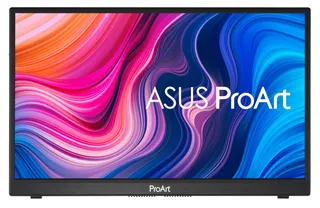
 ASUS PA148CTV computer monitor 35.6 cm (14") 1920 x 1080 pixels Full HD LED Touchscreen Tabletop Black2.019,90 lei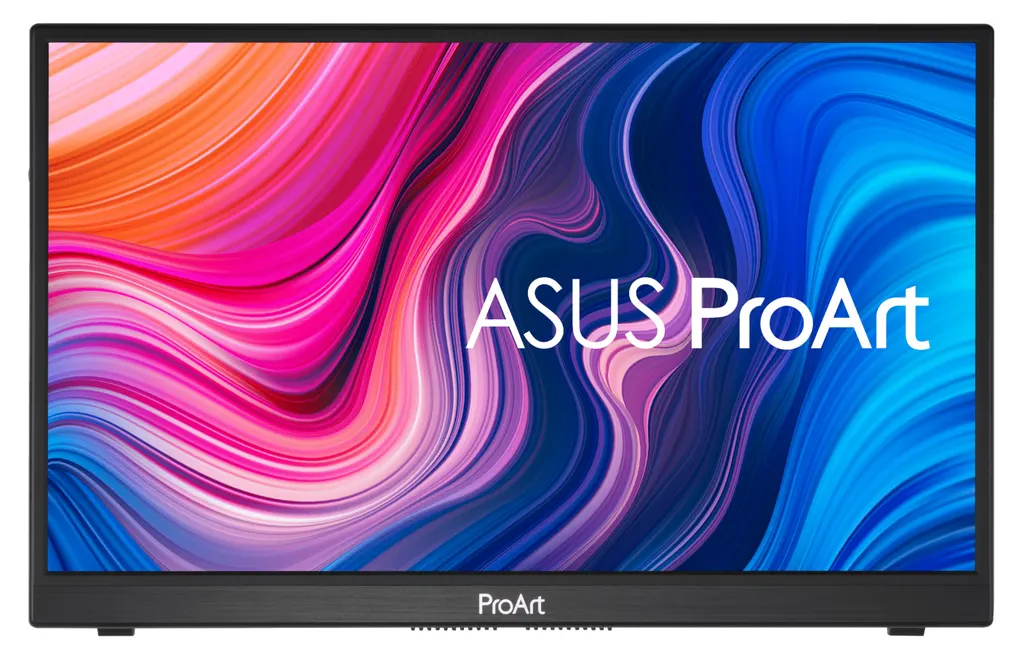
Plasează cursorul pentru zoom
Monitoare
ASUS PA148CTV computer monitor 35.6 cm (14") 1920 x 1080 pixels Full HD LED Touchscreen Tabletop Black
- Product colour
- Black
- Display diagonal
- 35.6 cm (14")
- Display resolution
- 1920 x 1080 pixels
- Display number of colours
- 16.7 million colours
Cumpărate frecvent împreună
ASUS PA148CTV computer monitor 35.6 cm (14") 1920 x 1080 pixels Full HD LED Touchscreen Tabletop Black2.019,90 lei DYMO LetraTag Paper Labels | Authentic | 12 mm x 4 m Roll | Black Print on White | Self-Adhesive Multipurpose Labels for LetraTag Label Makers | Made in Europe28,90 lei
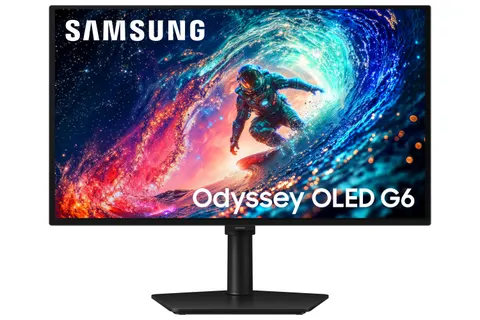
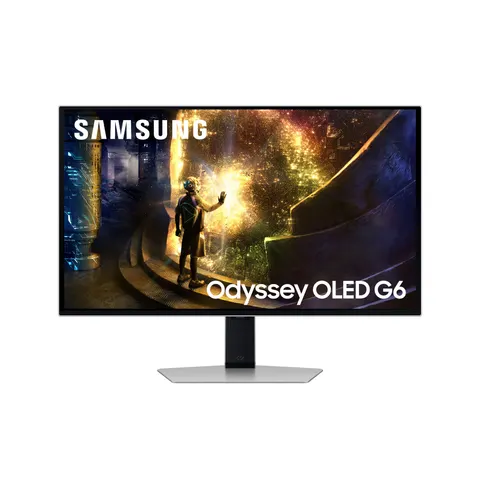
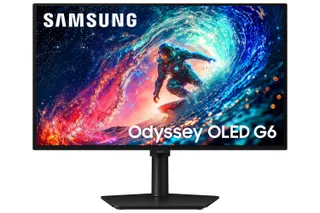 Samsung 27" Odyssey OLED G61SH QHD 240Hz Gaming Monitor2.049,90 lei
Total pentru 2 produse selectate2.048,80 lei
Compară cu produse similare
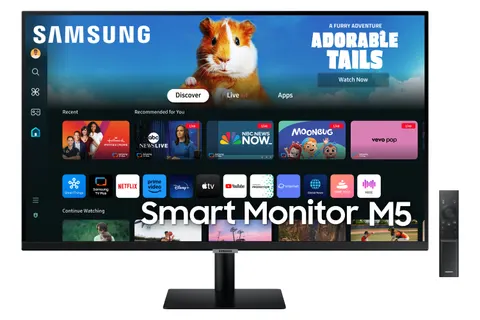
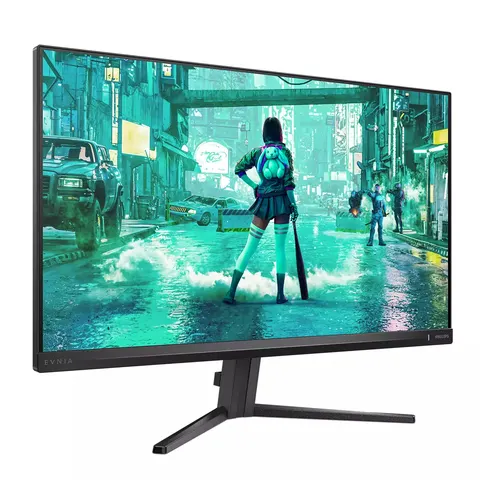
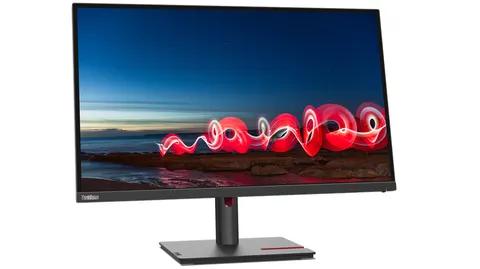
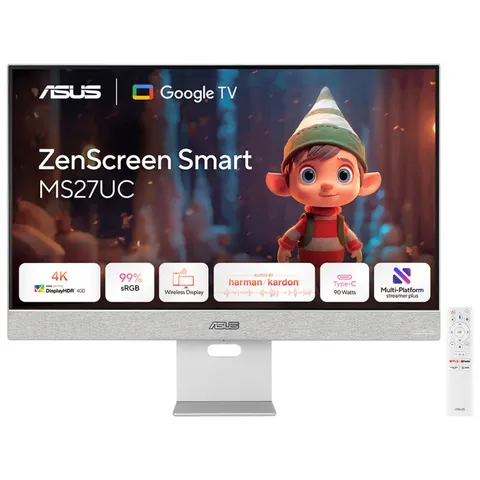
| Produsul curentASUS PA148CTV computer monitor 35.6 cm (14") 1920 x 1080 pixels Full HD LED Touchscreen Tabletop Black2.019,90 leiÎn stoc | 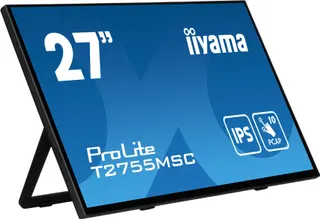 iiyama ProLite T2755MSC-B1 computer monitor 68.6 cm (27") 1920 x 1080 pixels Full HD LED Touchscreen Tabletop Black1.997,90 leiÎn stocVezi produsul iiyama ProLite T2755MSC-B1 computer monitor 68.6 cm (27") 1920 x 1080 pixels Full HD LED Touchscreen Tabletop Black1.997,90 leiÎn stocVezi produsul | 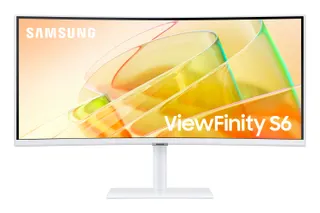 Samsung S65TC computer monitor 86.4 cm (34") 3440 x 1440 pixels UltraWide Quad HD LED White1.995,90 leiÎn stocVezi produsul Samsung S65TC computer monitor 86.4 cm (34") 3440 x 1440 pixels UltraWide Quad HD LED White1.995,90 leiÎn stocVezi produsul | Samsung 27" Odyssey OLED G61SH QHD 240Hz Gaming Monitor2.049,90 leiÎn stocVezi produsul | |
|---|---|---|---|---|
| Product colour | Black | Black | White | Black |
| Display diagonal | 35.6 cm (14") | 68.6 cm (27") | 86.4 cm (34") | 68.6 cm (27") |
| Display resolution | 1920 x 1080 pixels | 1920 x 1080 pixels | 3440 x 1440 pixels | 2560 x 1440 pixels |
| Display number of colours | 16.7 million colours | 16.2 million colours | 1.07 billion colours | 1 billion colours |
| HDMI | No | Yes | Yes | Yes |
| HD type | Full HD | Full HD | UltraWide Quad HD | Quad HD |
| Panel type | IPS | IPS | VA | OLED |
| Pixel pitch | 0.16 x 0.16 mm | 0.311 x 0.311 mm | — | — |
Product colour
Black
Display diagonal
35.6 cm (14")
Display resolution
1920 x 1080 pixels
Display number of colours
16.7 million colours
| HDMI | No |
|---|---|
| HD type | Full HD |
| DVI port | No |
| Panel type | IPS |
| Pixel pitch | 0.16 x 0.16 mm |
| Touchscreen | Yes |
| AMD FreeSync | No |
| Screen shape | Flat |
| Headphone out | No |
| NVIDIA G-SYNC | No |
| Package depth | 90 mm |
| Package width | 413 mm |
| Response time | 5 ms |
| Package height | 342 mm |
| Package weight | 2.5 kg |
| Product colour | Black |
| Built-in camera | No |
| Cable lock slot | Yes |
| Cables included | Micro-HDMI, USB Type-C to USB Type-A |
| RMS rated power | 2 W |
| Built-in USB hub | Yes |
| Display diagonal | 35.6 cm (14") |
| Touch technology | Multi-touch |
| Touchscreen type | Tabletop |
| Height adjustment | No |
| Depth (with stand) | 12 mm |
| Display brightness | 300 cd/m² |
| Display resolution | 1920 x 1080 pixels |
| Display technology | LED |
| Number of speakers | 1 |
| Width (with stand) | 326.1 mm |
| Built-in microphone | No |
| Built-in speaker(s) | Yes |
| Height (with stand) | 204.4 mm |
| Native aspect ratio | 16:9 |
| Weight (with stand) | 740 g |
| Cable lock slot type | Kensington |
| Touchscreen technology | Projected capacitive system |
| Energy efficiency scale | A to G |
| Viewable size, vertical | 17.4 cm |
| Viewing angle, vertical | 178° |
| sRGB coverage (typical) | 100% |
| Contrast ratio (typical) | 700:1 |
| Number of upstream ports | 1 |
| Display number of colours | 16.7 million colours |
| Low Blue Light technology | Yes |
| Micro HDMI ports quantity | 1 |
| Viewable size, horizontal | 30.9 cm |
| Viewing angle, horizontal | 178° |
| Energy efficiency class (SDR) | E |
| Supported graphics resolutions | 1920 x 1080 (HD 1080) |
| USB Type-C DisplayPort Alternate Mode | Yes |
| Energy consumption (SDR) per 1000 hours | 9 kWh |
A Shortcut to Creators’ Workflow ASUS ProArt PA148CTV is a 14-inch FHD portable monitor designed for creators. Its ASUS Dial and Virtual Control Panel streamlines the creative process with shortcuts and programmable hotkeys that work seamlessly with Adobe creative tools. PA148CTV delivers exceptional color thanks to 100% sRGB and 100% Rec. 709 color spaces, and it is world’s 1st portable monitor that reach Calman Verified certification and factory pre-calibrated to provide a Delta E Built for Creators PA148CTV offers a host of features to help you get the most out of creative pursuits. The ASUS Dial and the Virtual Control Panel provide shortcuts and hotkeys to popular Adobe software, allowing you to work more efficiently. The Calman Verified PA148CTV has a Delta E Creativity with a Spin ASUS Dial is a physical dial at the rear of the display that works seamlessly with compatible Adobe software and Microsoft Surface Dial controls, allowing you to make adjustments while keeping focused on the task at hand. The integrated on screen display (OSD) controller allows you to make monitor adjustments quickly and easily.
Works with Adobe Software ASUS Dial is designed to work with compatible Adobe software* (for example, Adobe Photoshop, Photoshop Lightroom Classic, Premiere Pro and After Effects). Turning the dial gives you access to customized shortcuts for tasks such as zooming in and out of images and adjusting brush size or brightness settings. You can even tailor the default interface to suit your own work style. *Support for additional Adobe software will be available in the future. ProArt Creator Hub is required and will be available in Q2 2021 **Adobe, Adobe Premiere, After Effects, Lightroom, Photoshop, and the Photoshop logo are either registered trademarks or trademarks of Adobe in the United States and/or other countries.
Supports Windows Surface Dial Features ASUS Dial works seamlessly with Microsoft Surface Dial features. Simply turn ASUS Dial to adjust volume, scroll through web pages, or to perform other functions.
Intuitive Control at Your Fingertips The Virtual Control Panel provides an intuitive interface that’s unique to each supported Adobe software* (for example, Adobe Photoshop, Photoshop Lightroom Classic, Premiere Pro and After Effects), so the controls and shortcuts you need are right in front of you. Tweak image exposure or contrast when working with Photoshop, or slide through video time bars on Premiere – it’s all neatly laid out so you can work more quickly and efficiently. *Support for additional Adobe software will be available in the future. ProArt Creator Hub is required and will be available in Q2 2021 **Adobe, Adobe Premiere, After Effects, Lightroom, Photoshop, and the Photoshop logo are either registered trademarks or trademarks of Adobe in the United States and/or other countries.
Experience Full Color Wide 100% sRGB and 100% Rec. 709 color gamut offers more vivid colors, ensuring deeper primary colors like red, green and blue, and richer secondary colors.
Revel in pure, expressive hues — thanks to accurate, true-to-life color reproduction. Delta E Pre-Calibrated for Out-of-the-Box Accuracy Color professionals rely on color-accurate displays to ensure that their creations render as intended. PA148CTV is pre-calibrated at the factory and Calman Verified to guarantee industry-leading color accuracy. Every ProArt display undergoes meticulous testing to ensure smooth color gradation and to guarantee the very best visuals.
Quick Color Gamut Adjustment ASUS-exclusive ProArt Preset provides multiple modes for quick color-gamut adjustment. Whether you're grading colors, editing videos or manipulating photos, you can switch and match your needs easily.
Personalized Editing Experience ASUS ProArt Palette lets you customize numerous display parameters, including color hue, temperature and gamma adjustments, via intuitive on-screen menus. With two-point grayscale sliders for all six colors, it provides greater color-adjustment flexibility than many competing monitors. ProArt Palette empowers you to produce quickly and consistently, and makes it easy to keep your color management in check.
Rich Connectivity PA148CTV offers a host of ports to cater to your creative needs. The two USB-C ports deliver audio / video signals, touch and plus power input over a single cable*. The micro HDMI port provides a connection to various input sources, while the tripod socket allows you to mount PA148CTV onto a tripod. *Connected device requires USB Type-C (DisplayPort Alt Mode and at least 10W power output.)
Effortless Mobility PA148CTV fits into a travel bag or backpack, so you can easily take it on location. An integrated adjustable metal kickstand props it up to provide comfortable viewing angles and working positions, anywhere.
Caring for Your Eyes ASUS Flicker-Free technology ensures a more comfortable viewing experience by reducing on-screen flicker to minimize eye strain, headaches and eye fatigue that can occur when spending long hours in front of a display. Exclusive ASUS Ultra-Low Blue Light technology protects your eyes from harmful blue light emissions with four blue-light filter settings that are easily accessed through the on-screen menu via the hotkey
Recenzii
Variante superioare
Accesorii și produse complementare

Produse similare
Vizualizate recent
Livrare rapidăÎn 2-4 zile lucrătoare
Retur simplu14 zile drept de retur
Plată la livrareRamburs sau transfer bancar
Factură pe firmăPlată prin transfer bancar
2.019,90 lei